

'/%3E%3C/svg%3E)
Mobile Poker Setup in Canada for Quick Table Access
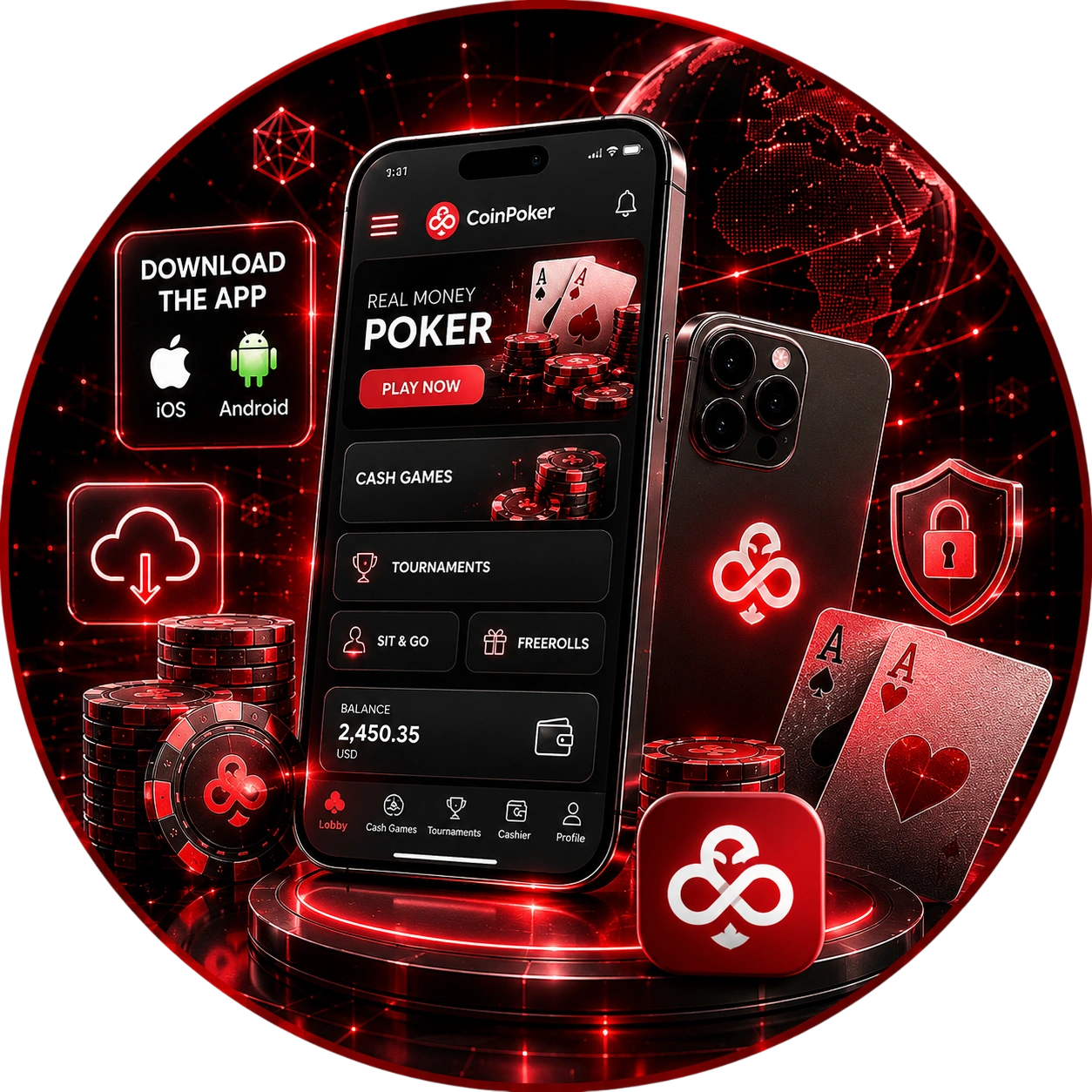
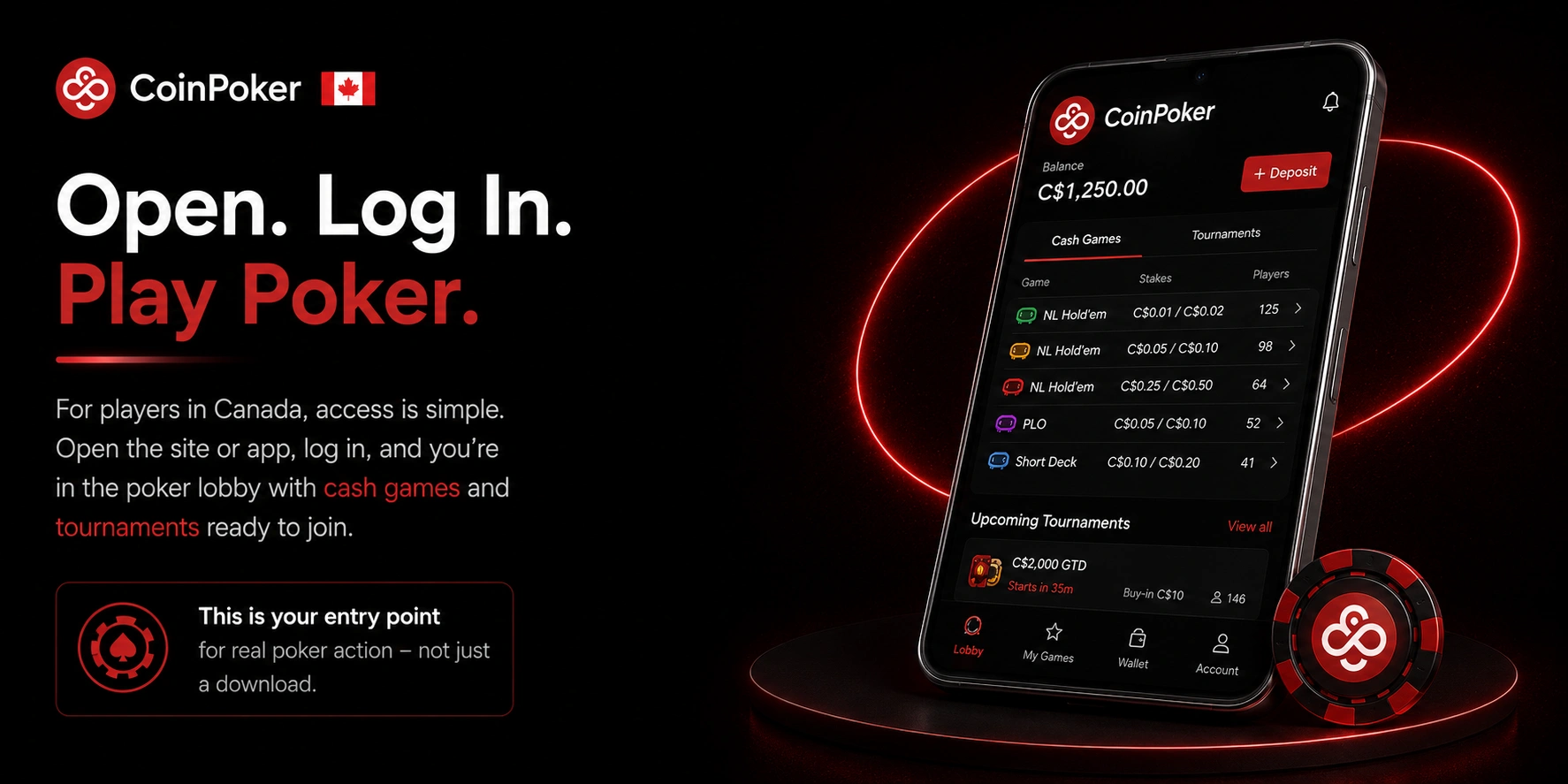
For players in Canada, CoinPoker Mobile App access follows the same basic pattern: open the site or app, log in with the existing account, and land on the poker lobby with cash tables and tournaments ready to join. This page is a working entry point for an actual session, not just a place to download something and come back later.
Lobby, Cashier and Account Tools on Smaller Screens
Once logged in on mobile, the same core sections used on desktop are available, laid out for a smaller screen:
- Poker lobby: cash tables and tournament listings, filterable the same way as on desktop;
- Balance: the current poker balance and any active bonus balance;
- Deposit and withdrawal: cashier functions for adding or removing funds;
- Promotions: active bonuses, rakeback status, and leaderboard standings;
- Tournament schedule: upcoming and running MTTs with registration options;
- Account settings: profile details, security options, and currency selection.
CoinPoker iPhone Installation With Step by Step Setup
CoinPoker App Download for iPhone and iPad starts on the official download page or iOS help page, opened through a mobile browser:
- Open the official download page or iOS help page in Safari or another browser on the iPhone or iPad;
- Follow the listed installation instructions for iOS, or choose the browser-based access option if installation is not preferred;
- If installing, complete the steps shown on the page to add the app to the device;
- Open the app or browser session and log in with the registered email and password;
- Confirm the email address if prompted, then open the poker lobby to view cash tables and the tournament schedule.
The browser-based option on the same page works as a fallback if the installation steps are not suitable for a particular device. Either path ends at the same login screen and poker lobby.
CoinPoker Android Installation With Browser Download Steps
CoinPoker App Download for Android follows a similar pattern, starting from the same official download page opened on an Android phone or tablet:
- Open the official download page in the device’s mobile browser;
- Choose to download the Android app file, or select the browser play option if installing is not needed;
- If downloading the app file, allow installation from the source when prompted by the device;
- Log in with the registered email and password once the app or browser session opens;
- Check that cash games and the MTT schedule are visible in the lobby before starting a session.
Both the app file and the browser play option lead to the same account and lobby, so the choice comes down to whether installing a file on that particular device is convenient at the time.
App Requirements and Multi-Table Limits
The app runs on both Android and iOS, and each platform has its own minimum specification.
On Android, CoinPoker recommends Android 10 or later, with at least 4 GB of RAM and 500 MB of free storage; 8 GB or more of RAM and 2 GB or more of free storage are recommended for the smoothest experience. On iOS, the baseline is iOS 15 or later, with at least 2 GB of RAM and 500 MB of storage, moving up to 3 GB or more of RAM and 2 GB or more of storage for better performance.
Multi-tabling on mobile tops out at 5 tables at a time on both platforms. Desktop supports more simultaneous tables for players chasing higher volume, so grinders who want to run a large number of tables at once will still want a laptop or desktop session for that. The app also includes a built-in HUD showing each player’s VPIP and PFR stats directly at the table, alongside Game History and Player Notes, without needing separate tracking software.
Poker Browser Play in Canada When Installation Is Not Required
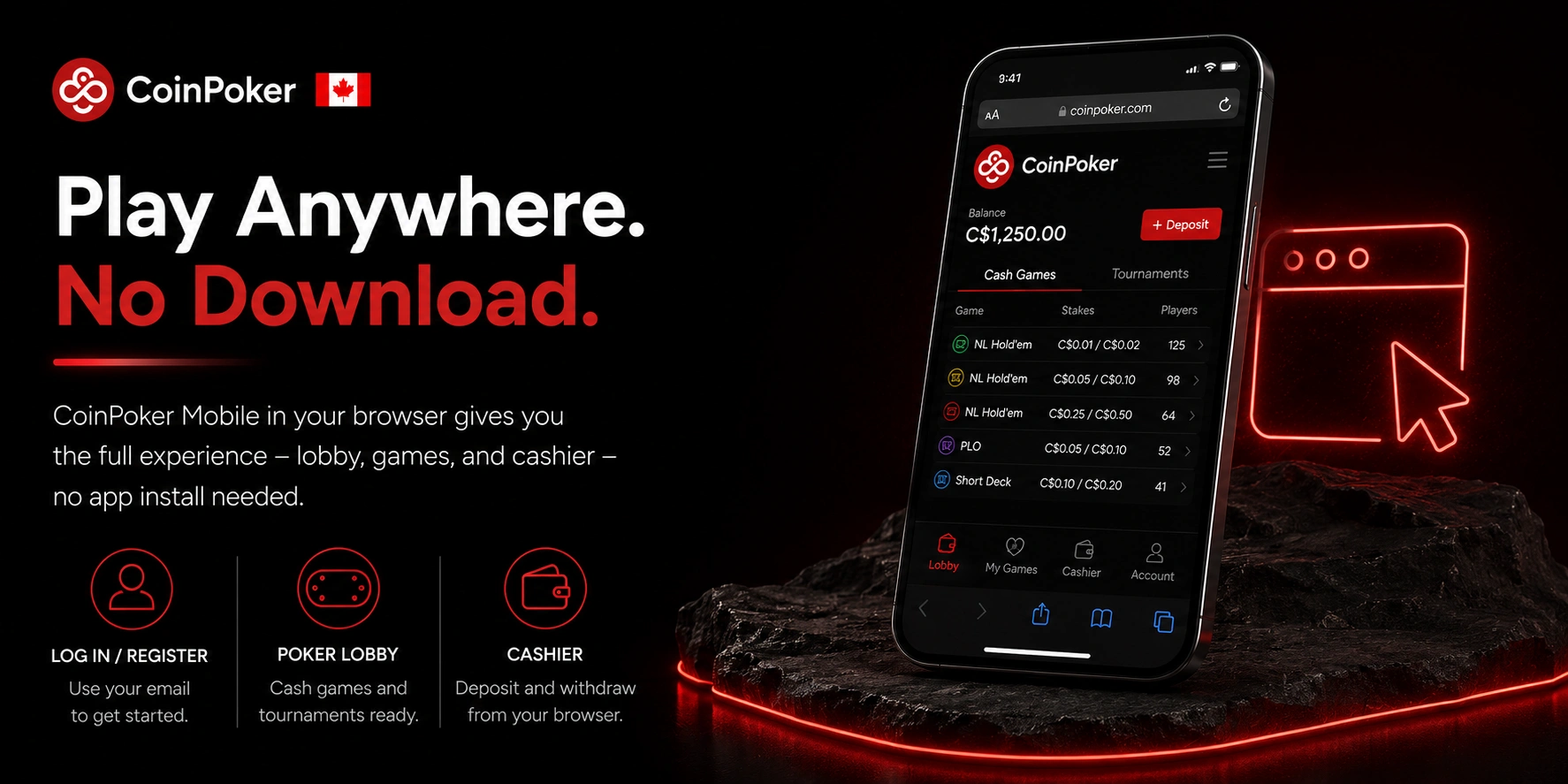
For players in Canada who would rather not install anything, CoinPoker Mobile access through a browser covers the same core functions as the app. Logging in or registering with an email address works the same way, and the lobby and cashier open in the browser tab without a separate desktop client running in the background.
iOS and Android Access Through Safari, Chrome or Firefox
Browser play works on both iOS and Android using any modern mobile browser:
- Safari on iPhone or iPad opens the platform directly, with login and registration handled the same as on desktop;
- Chrome or Firefox on Android open the same interface, adapted to the device’s screen size;
- From either browser, the poker lobby, cash tables, tournament schedule, and cashier are reachable after logging in, without installing an app file first.
This makes browser play a quick way to check tournament registrations, top up the cashier, or join a cash table from a device where installing software is not practical at that moment.
Desktop and Mobile Sync for One Poker Account
There is only one account behind CoinPoker App use on mobile and any session on desktop: the same email address and password sign in on both, with the same balance, active bonuses, and tournament registrations visible regardless of which device was used last.
- Balance: deposits and withdrawals made on one device are reflected immediately when logging in on another;
- Promotions: bonus progress, rakeback tracking, and leaderboard standings carry over without resetting;
- Cashier: transaction history and pending withdrawals are visible from either desktop or mobile;
- Tournaments and cash games: an active tournament registration or cash table seat is tied to the account, not the device.
Moving between devices is a matter of logging in again with the same credentials. There is no separate mobile profile to set up or keep in sync manually.
CoinRewards on Mobile: How the Numbers Break Down
CoinPoker’s rewards system, CoinRewards, pays out more than $7,000,000 across all players every month, automatically, with no opt-in and no CHP token requirement. It runs through four channels, all trackable from the app.
CoinRaces are cash-game leaderboards worth $5,000,000 a month combined, covering Hold’em and Omaha stakes from $0.01/$0.02 up to $25/$50. Leaderboards reset every one to two hours and pay out within minutes of each reset. Progress can be checked from the app by tapping your username in the top-left corner and selecting Cash Leaderboards.
Splash Pots drop cash directly into live hands at random. Regular Splashes pay up to 49 big blinds, and Mega Splashes pay between 50 and 1,000 big blinds; the hand winner keeps 40% of the drop, and the rest is split among the other players dealt into that hand. Missions add a third layer: personalized objectives tied to the stakes and formats a player already plays, unlocking cash or tournament tickets once completed. Bankroll Boosts round out the fourth, worth $375,000 a week across eligible stakes, delivered as tournament tickets or personalized missions and flagged through an in-app notification.
Deposits, Payouts and the Welcome Bonus on Mobile
New players get a 150% deposit match up to $2,000, active for the first 30 days after registering and unlocked automatically as real-money hands are played, with no separate claim step needed. A minimum deposit of $10 is enough to activate it. Registering with the code MOBILE also adds an entry into CoinPoker’s monthly freeroll.
On the funding side, the app accepts Bitcoin, Ethereum, Solana, USDT, USDC, BNB and several other cryptocurrencies directly from a personal wallet or exchange, plus bank cards and Luxon Pay in supported regions. Crypto deposits carry no platform fee. Withdrawals are typically processed within minutes once approved, using the same payment methods available for deposits.
CoinPoker App Security for Login, Payments and Poker Balance
Mobile access introduces a few practical security considerations alongside the standard account protections:
- Correct login: enter the registered email and password directly, rather than saving credentials in places that could be accessed by others;
- Protecting email and password: the combination used to access the poker balance should not be shared, including for tasks like depositing on someone else’s behalf;
- Official download source: installing the app only from the official download page reduces the risk of using a modified or unofficial version;
- Public networks: logging in or making payments over an open public Wi-Fi network carries more risk than using a private connection;
- Payment monitoring: reviewing the cashier and transaction history regularly helps catch unexpected activity early.
If anything in the account, balance, transaction history, or login activity looks unfamiliar, contacting support directly is the appropriate next step rather than attempting to resolve account-level issues without assistance.